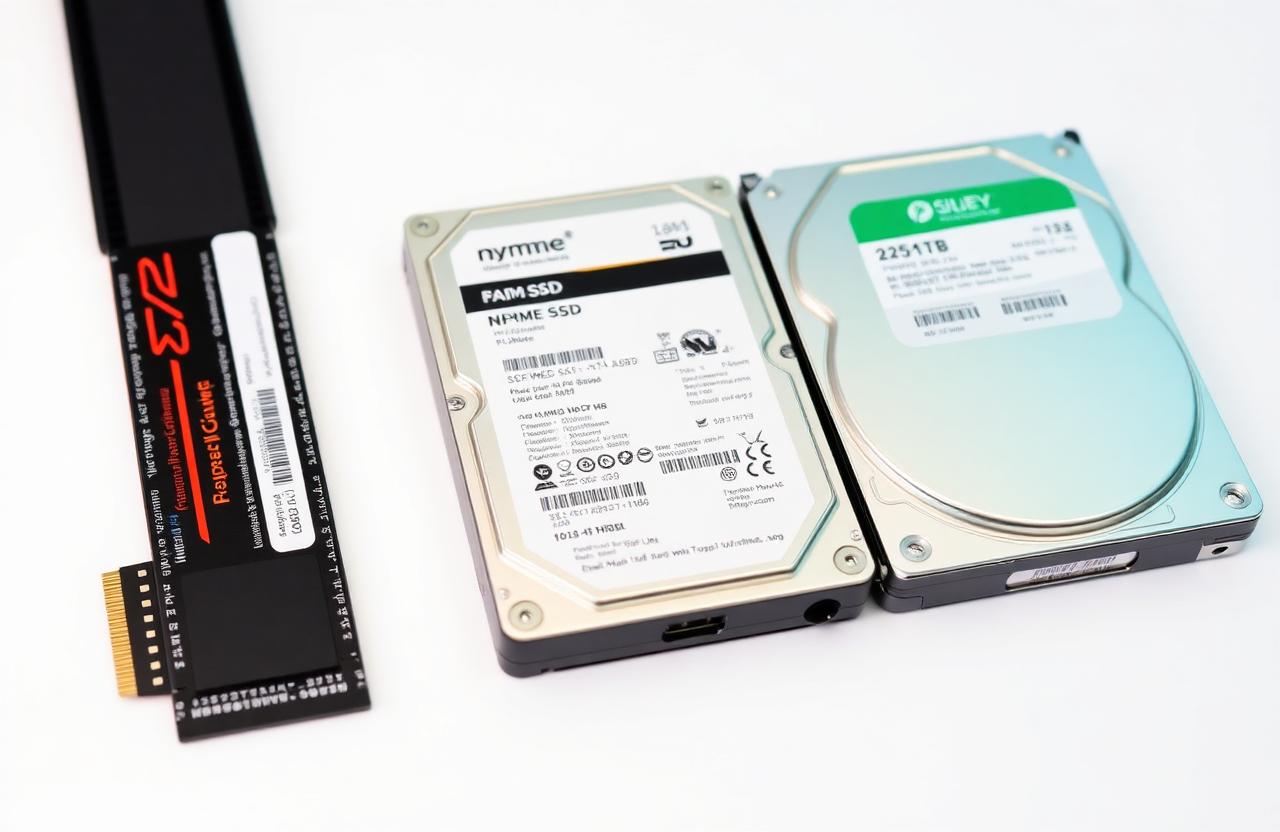
01Storage decides the feel
Storage choice is the single biggest factor in how a PC feels day-to-day. The CPU and GPU might be top-tier, but a slow drive will make boot, app launches and file copies feel sluggish.
02HDD — mechanical drives
HDDs use spinning platters and a moving head. They're cheap per GB but slow, fragile and noisy.
- Sequential: 100–200 MB/s.
- Random: < 2 MB/s — painful for OS use.
- Best for cold archival storage.
03SATA SSD
SATA SSDs use flash memory but inherit the slow SATA III interface.
- Sequential: ~550 MB/s.
- Random: 100× faster than HDD.
- Great cheap upgrade for old laptops.
04NVMe SSD
NVMe SSDs connect directly to PCIe lanes, bypassing SATA entirely.
- PCIe 3.0: ~3500 MB/s.
- PCIe 4.0: ~7000 MB/s.
- PCIe 5.0: 12000+ MB/s.
- Smaller form factor (M.2 2280).
05DRAM cache and endurance
Look for an SSD with DRAM cache for sustained writes. Endurance is measured in TBW (terabytes written); even cheap drives last 5+ years for normal use.
06Recommended setup
- 1× NVMe SSD for OS and apps (500 GB – 2 TB).
- Optional 2nd SSD for game library or work files.
- HDD only as bulk archive.