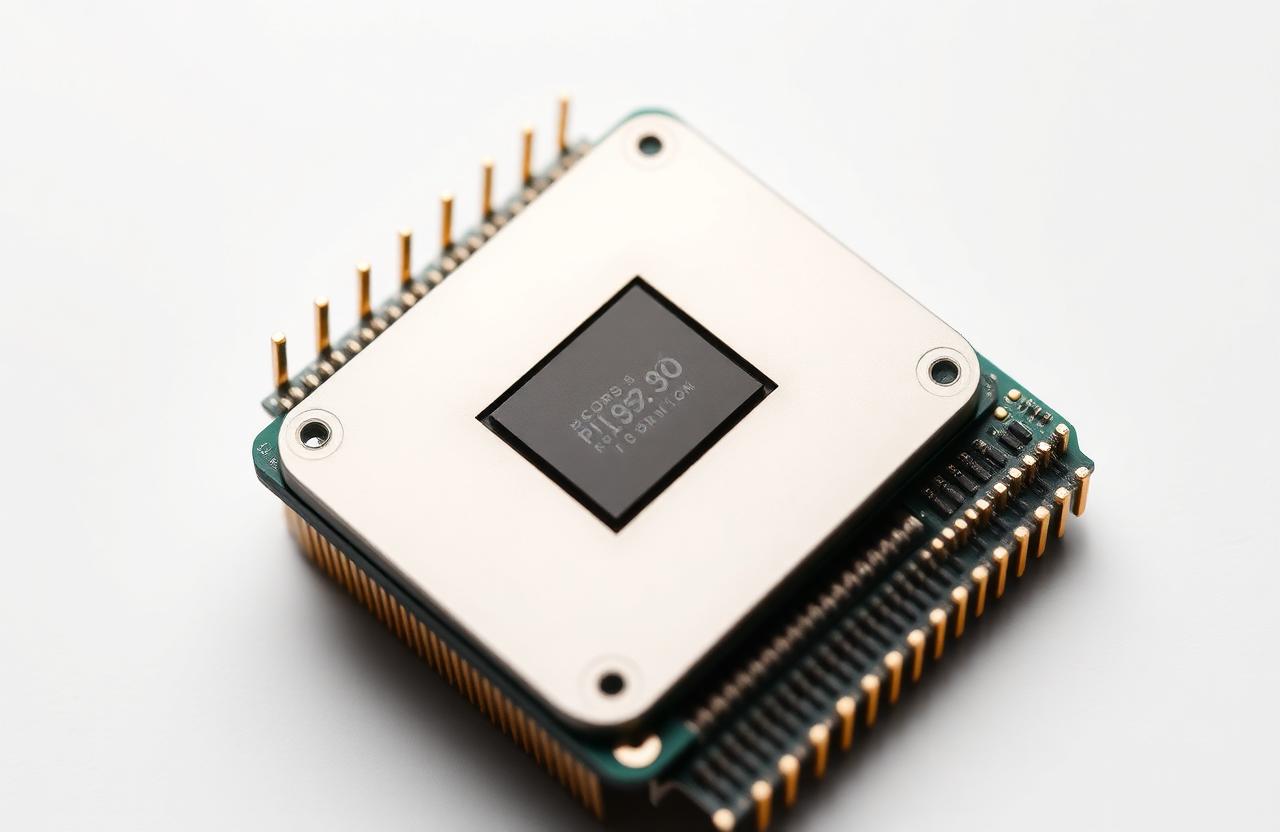
01What is a CPU?
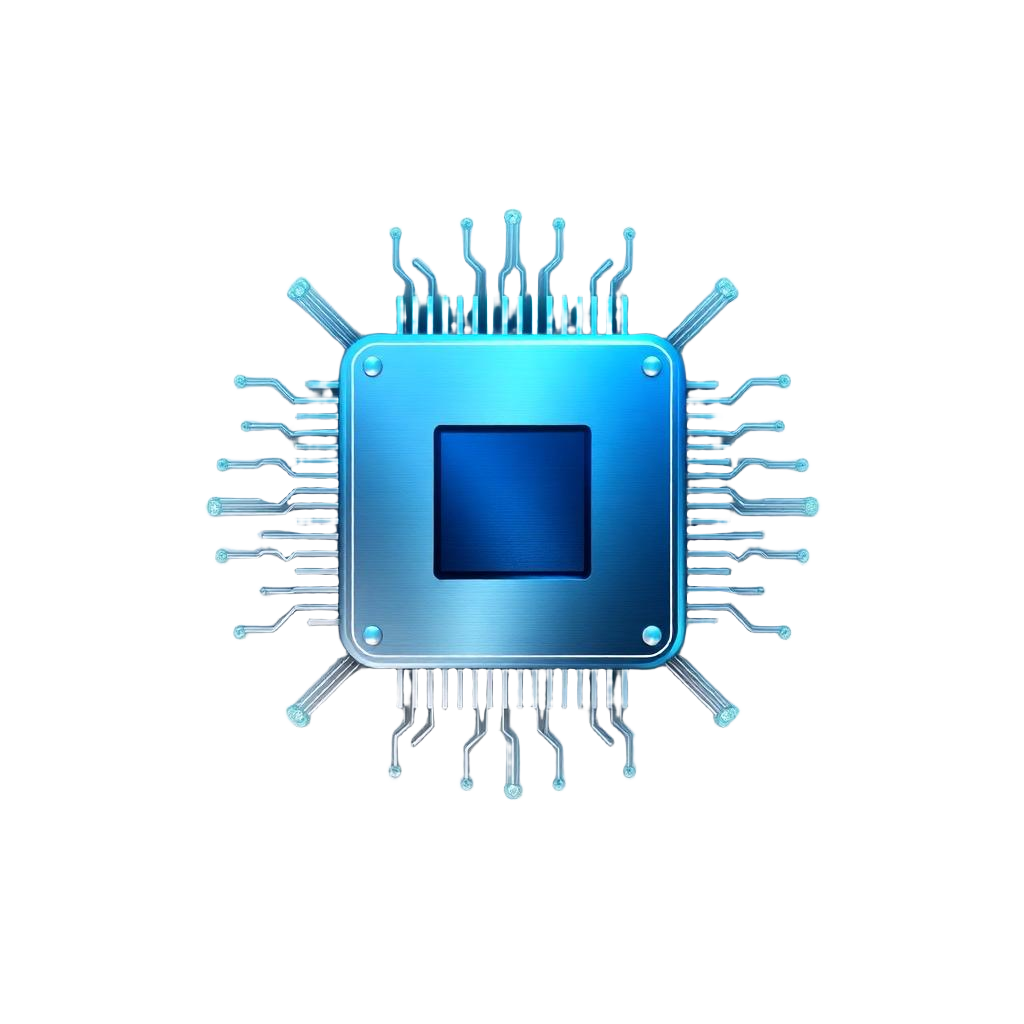
The CPU (Central Processing Unit) is the main processor that executes every instruction your operating system and applications produce. It fetches instructions from RAM, decodes them, executes them, and writes the result back — billions of times per second.
02Cores and threads
A core is a physical execution unit. Modern desktop CPUs ship with 6–24 cores. Simultaneous Multi-Threading (Intel Hyper-Threading / AMD SMT) lets each core handle two threads so the OS sees double the logical processors.
- More cores → better for video editing, compiling, 3D rendering, virtualization.
- Higher single-core performance → better for most games and everyday apps.
- Threads share a core's resources; gains are usually 20–40%, not 2×.
03Cache hierarchy
Cache is tiny, fast memory built into the CPU to avoid waiting on slow RAM.
- L1 (32–80 KB per core) — fastest, splits instructions and data.
- L2 (512 KB – 2 MB per core) — larger, slightly slower.
- L3 (16–128 MB shared) — shared between cores, hides RAM latency.
04Clock speed and IPC
Clock speed (GHz) is how many cycles the CPU completes per second. But real performance = clock × IPC (Instructions Per Cycle). A newer 4.5 GHz chip easily beats an older 5.0 GHz chip because its IPC is higher.
05TDP, boost and thermals
TDP (W) tells you how much heat the cooler must remove. Modern CPUs boost above their base clock when temperatures and power budget allow — a good cooler directly increases sustained performance.
06How to choose
- Gaming: high single-core boost, 6–8 cores (Ryzen 7 / Core i5–i7).
- Content creation: 12+ cores (Ryzen 9 / Core i7–i9).
- Office / browsing: 4–6 cores, low TDP.
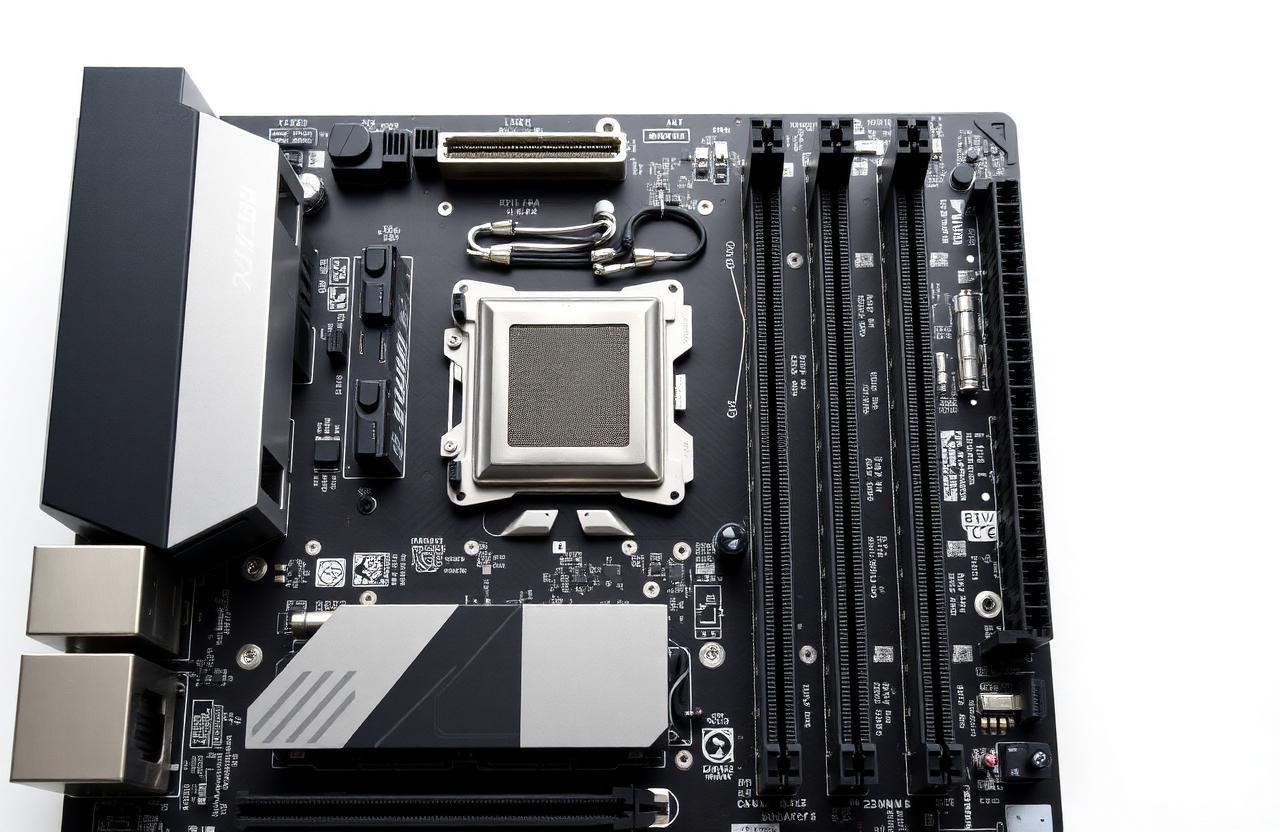
- Always match the socket to your motherboard.