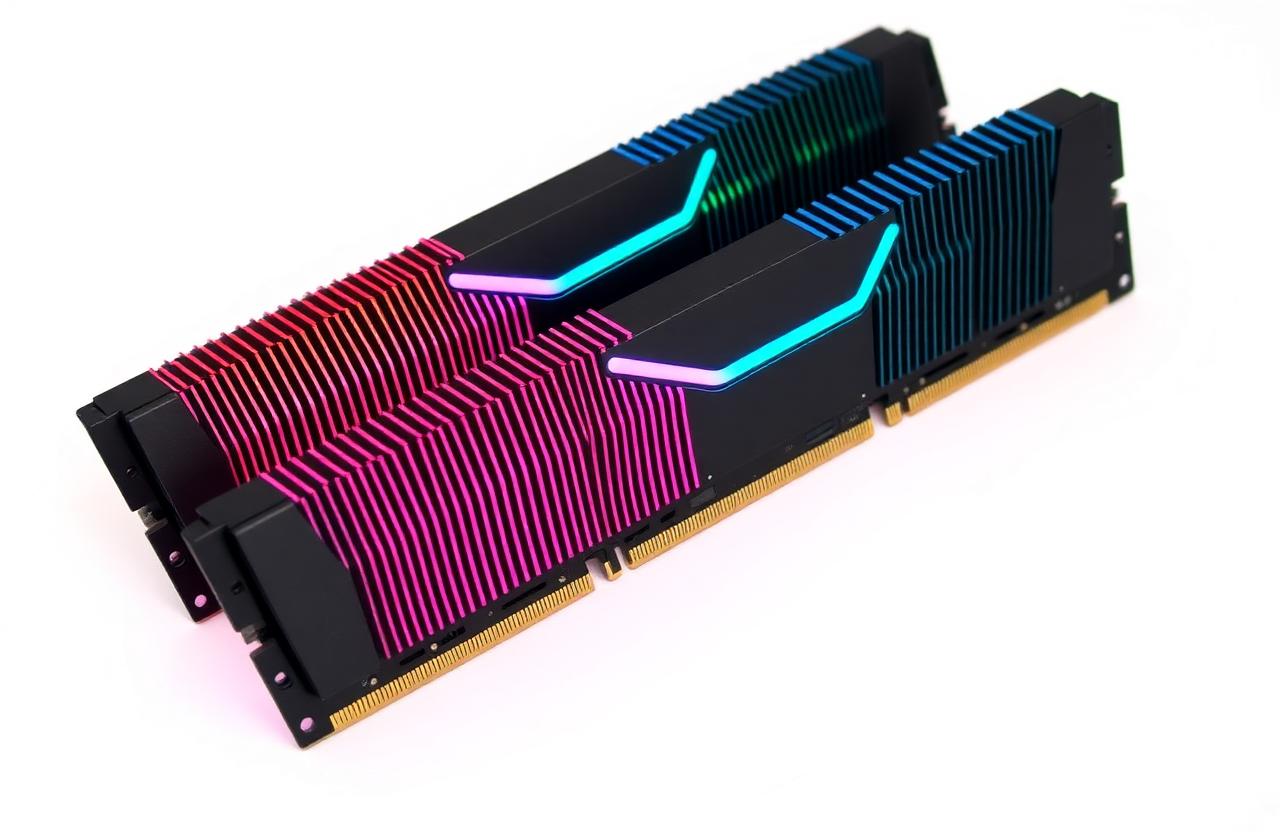
01Role of RAM
RAM is the short-term working memory the CPU uses while programs run. Anything not in RAM must come from much slower storage, so having enough RAM is one of the biggest factors in a snappy system.
02DDR4 vs DDR5
- DDR5 doubles bus channels (2× 32-bit per stick).
- DDR5 starts at 4800 MT/s, common at 6000–7200 MT/s.
- DDR4 maxes around 3600–4000 MT/s sweet spot.
- Boards and CPUs support only one of the two — not interchangeable.
03Frequency and timings
Frequency (MT/s) is bandwidth; timings (CL, tRCD, tRP, tRAS) are latency. Lower CL at the same MT/s = faster. True latency in nanoseconds = (CL × 2000) / MT/s.
04Dual-channel and kits
Always buy memory as a matched kit (e.g. 2×16 GB). Two sticks in the correct slots double bandwidth vs a single stick. Mixing random kits often forces lower speeds.
05Recommended capacity
- Office / web: 8 GB minimum, 16 GB comfortable.
- Gaming: 16 GB, 32 GB for new AAA titles.
- Creators / dev: 32–64 GB.
- AI / VMs: 64 GB+.
06XMP / EXPO
Out of the box, RAM runs at JEDEC defaults. Enable XMP (Intel) or EXPO (AMD) in BIOS to get the advertised speed.