
Project Hub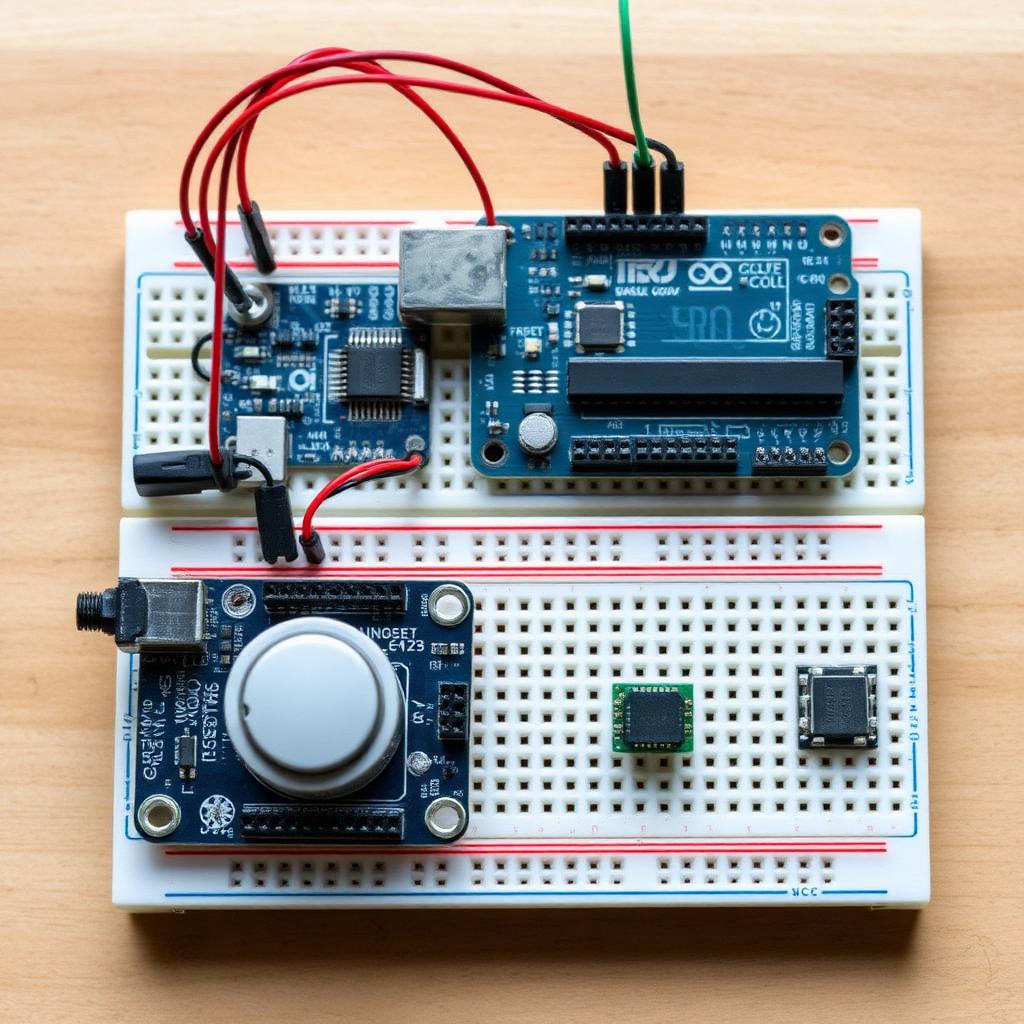
🔔
Wireless Doorbell
Press a button, play a tune on a buzzer.
beginner20 min
Components Needed
Arduino UNO
Push button
Passive buzzer
10kΩ resistor
Circuit Diagram & Wiring
Add your circuit diagram image here.
- Button between pin 2 and GND (use INPUT_PULLUP).
- Buzzer + → pin 8, − → GND.
Arduino Sketch (.ino)
doorbell.ino
int notes[] = {<span style="color:#79b8ff">523span>, <span style="color:#79b8ff">659span>, <span style="color:#79b8ff">784span>, <span style="color:#79b8ff">1047span>};
void setup() {
pinMode(<span style="color:#79b8ff">2span>, INPUT_PULLUP);
pinMode(<span style="color:#79b8ff">8span>, OUTPUT);
}
void loop() {
if (digitalRead(<span style="color:#79b8ff">2span>) == LOW) {
for (int i = <span style="color:#79b8ff">0span>; i < <span style="color:#79b8ff">4span>; i++) {
tone(<span style="color:#79b8ff">8span>, notes[i], <span style="color:#79b8ff">200span>);
delay(<span style="color:#79b8ff">220span>);
}
noTone(<span style="color:#79b8ff">8span>);
delay(<span style="color:#79b8ff">300span>);
}
}